
Figma's Lottie export feature and Adobe After Effects are both tools that designers use to create web animations, but they serve different purposes and excel in distinct areas. Here's a comparison:
| Feature | Figma to Lottie | Adobe After Effects |
|---|---|---|
| Primary Purpose | Creating simple animations directly from Figma designs for web and app integration. | Designing advanced motion graphics, compositing, and visual effects for video and multimedia. |
| Best Suited For |
- Lightweight web animations (buttons, loaders, icons). - Exporting animations as JSON-based Lottie files for developers. - Quick prototyping of animated interactions. |
- High-quality motion graphics. - Advanced video animations. - Special effects for films, ads, or multimedia campaigns. |
| Animation Style | Basic animations using vector elements and transitions created in Figma. | Layer-based animations with effects like motion tracking, particle systems, and 3D compositions. |
| Interactivity | Lottie animations exported from Figma can support interactivity, allowing developers to integrate user-triggered animations, such as hover effects or click-based motions. | After Effects does not natively support interactivity. However, animations can be converted into Lottie files via plugins like Bodymovin to add interactivity using code. |
| Looping | Lottie files exported from Figma can be set to loop or not loop when embedded into a web page, making them versatile for various use cases. | Animations created in After Effects can also be exported as Lottie files using plugins, enabling the same control over looping settings when integrated into web pages. |
| Output Formats | Lottie JSON files, which are lightweight and compatible with web and mobile apps. | Video formats like MP4, MOV, and composited assets for further editing. Lottie JSON files can be exported using plugins like Bodymovin. |
| Learning Curve | Easy to learn, especially for those familiar with Figma’s interface. Requires minimal technical expertise. | Steep learning curve due to its extensive feature set and complex tools. |
| Complexity of Effects | Limited to simple transitions, shape animations, and basic motion effects. | Handles highly complex effects such as 3D camera movements, advanced masking, and dynamic simulations. |
| Integration | Seamlessly integrates with developer tools like Lottie for web and mobile animations. | Works well with Adobe Premiere Pro, Photoshop, and other tools for video and post-production pipelines. |
| Platform Support | Optimized for web and mobile applications where lightweight animations are essential. | Best for high-end systems and projects requiring professional-grade video editing and compositing. |
| Example Uses |
- Animated app icons. - Loading screens. - Button hover effects. |
- Film title sequences. - Kinetic typography. - Special effects in ads and movies. |
Purpose:
Complexity:
Interactivity and Looping:
Use Figma to Lottie if:
Use Adobe After Effects if:
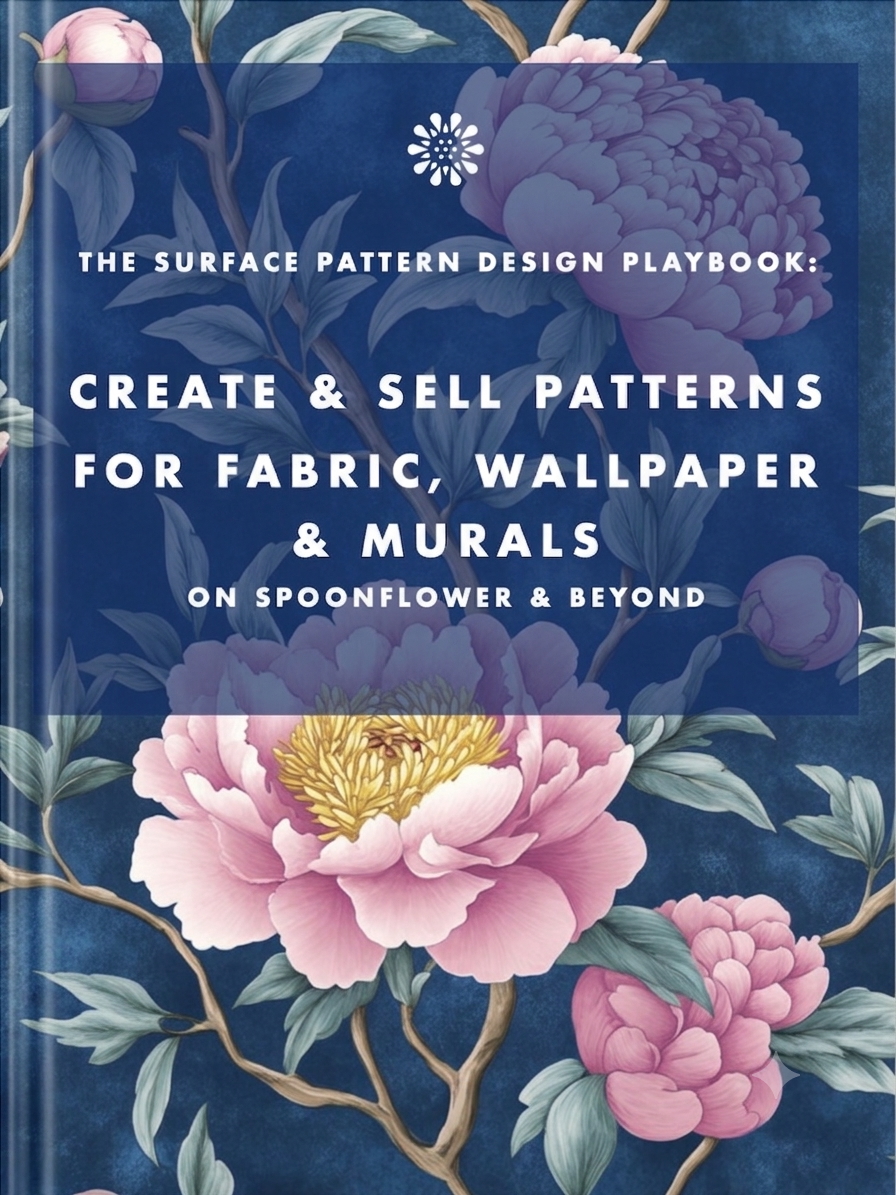
Earn from your design skills
Create & sell patterns for fabric, wallpaper & murals — on Spoonflower & beyond. Client-free, commute-free, creative work you can do from anywhere.
See the book →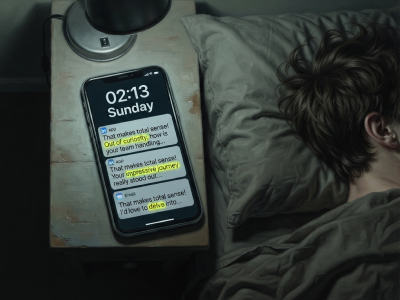
"That makes total sense! Out of curiosity…" are typical sentence snippets in your messages if you're talking to a bot.

A real look at how I use Claude Code, Claude Cowork, Figma and more to design, build and market TickLists, my websites and my Spoonflower patterns, solo.

Job seekers who keep running the old employment playbook are playing a game whose rules have already changed. Here's what's happening in the design job market, and why leverage, not talent, is what separates who's finding traction.
Keep your design skills up to date with videos,
AI workflows, tutorials, ways to earn $$$ and free resources.
See past email newsletters.
Unsubscribe anytime.