
TAGS: ux portfolio website, ux portfolio builders, create your portfolio, online portfolio website, free website, Bestf portfolio builder tool, best portfolio website
Not all website builders or portfolio builders are suitable for you as a UX or Product Designer. It can take a lot of research and trial and error to find the right one. However you can skip all that and find the right portfolio site builder here in minutes - Check out the video at the end "Best website builder tools for design portfolios 2025'.
As a Product Designer or UX/UI Designer, the right choice for your portfolio platform, is the one which has the right features and price to suit your skills and needs, and that you can update in the time you have available.
Here you can quickly decide the right one and avoid wasting a lot of time in research or ending up having to rebuild your portfolio in a new platform later.
If you launch into this without much thought, you'll end up getting lost and spend hours re-doing work. So go through the steps below to do it the right way for the best result.
If you need help or advice on any of the above, you can buy my time by the minute or hour here
This tool makes it easy to find the right portfolio builder for you quickly and accurately. You'll find all the information you need to make the right choice, including the features and capabilities of each platform, the pricing plans, and customer support. The product finder also includes helpful graphs that compare price, ease of use, and suitability, so you can make the best decision for your needs. With this tool, you can avoid costly mistakes and get the portfolio builder that's just right for you. Avoid time consuming mistakes and swaps! - Delivered as a Figma file with links. Click here to download it.
https://www.vickymarch.com
https://www.pascalstrasche.com
https://www.ljubomirbardzic.com
https://www.emidesigned.com
https://www.aleciamitchell.com
https://www.aaronrudyk.com
https://www.ginayu.design
All of the above examples were built with Webflow. This website is made with webflow and I very much recommend it - but I urge you to consider carefully before deciding which portfolio website builder to use. Webflow has a longer learning curve than some, however it's one of the most creative and flexible platforms.
Sometimes, I use affiliate links with my recommendations, which if bought through, earns me a few cents at no extra cost to you. This helps with the cost of keeping this site alive so I can continue to guide you. I would never recommend anything I don’t or wouldn’t use myself - Rachael
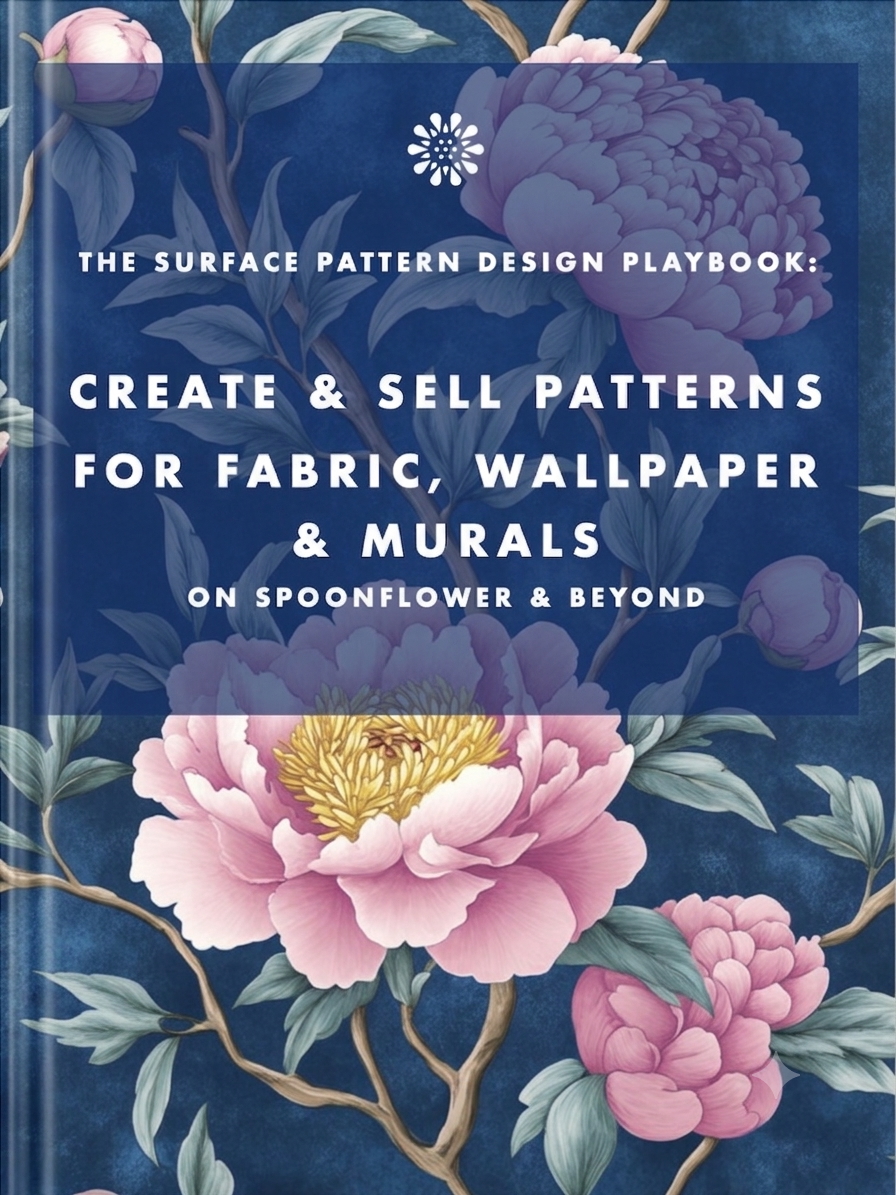
Earn from your design skills
Create & sell patterns for fabric, wallpaper & murals — on Spoonflower & beyond. Client-free, commute-free, creative work you can do from anywhere.
See the book →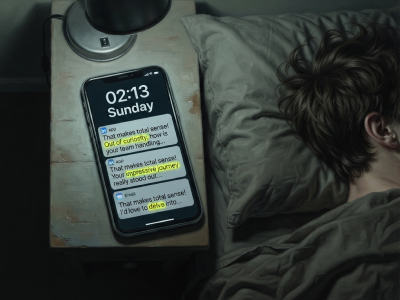
"That makes total sense! Out of curiosity…" are typical sentence snippets in your messages if you're talking to a bot.

A real look at how I use Claude Code, Claude Cowork, Figma and more to design, build and market TickLists, my websites and my Spoonflower patterns, solo.

Job seekers who keep running the old employment playbook are playing a game whose rules have already changed. Here's what's happening in the design job market, and why leverage, not talent, is what separates who's finding traction.
Keep your design skills up to date with videos,
AI workflows, tutorials, ways to earn $$$ and free resources.
See past email newsletters.
Unsubscribe anytime.