
If you mainly edit video, colour grade or want something free, choose DaVinci Resolve, and if you make motion graphics, animated text or visual effects for social media, ads and websites, choose After Effects. Plenty of designers and editors use both, cutting and grading in Resolve and building the motion graphics in After Effects, so it doesn't have to be one or the other.
Here’s a comparison of Adobe After Effects and DaVinci Resolve, highlighting their primary features, strengths, and ideal use cases:
| Feature | Adobe After Effects | DaVinci Resolve |
|---|---|---|
| Primary Purpose | Motion graphics, visual effects, and compositing. | Professional video editing, color grading, and audio post-production. |
| Best Suited For |
- Creating animations and motion graphics. - Adding VFX and compositing for film. - Kinetic typography. |
- End-to-end video editing workflows. - Advanced color correction. - Multi-track editing and audio post-production. |
| Animation Capabilities | Strong, with layer-based workflows for complex motion graphics and keyframe animations. | Limited animation capabilities, primarily for editing-related transitions and effects. |
| Visual Effects (VFX) | Exceptional for creating and compositing VFX like particle effects, explosions, and 3D elements. | Basic VFX tools are available but not as robust or flexible as After Effects. |
| Color Grading | Basic tools for color correction and grading, designed as part of the compositing process. | Industry-leading color grading suite with node-based workflows and advanced tools for precision adjustments. |
| Audio Editing | Basic audio editing features; relies on integration with Adobe Audition for advanced tasks. | Comprehensive audio post-production tools (Fairlight) integrated directly into the software. |
| Learning Curve | Moderate to steep for beginners, particularly due to the layer-based animation and effects workflows. | Steep, especially for advanced color grading and Fairlight, but editing features are user-friendly. |
| Integration | Seamless with Adobe Creative Cloud apps (e.g., Premiere Pro, Photoshop, Illustrator). | Standalone software but integrates well with external tools and supports third-party plugins. |
| Performance | Can be resource-intensive, especially for complex compositions or effects. | Optimized for real-time playback and rendering, especially with supported hardware (e.g., GPUs). |
| Collaboration | Adobe Team Projects allows cloud-based collaboration (subscription required). | Multi-user collaboration tools in the Studio version for professional workflows. |
| Pricing | Subscription-based (part of Adobe Creative Cloud). | Free version available; Studio version has a one-time purchase cost. |
| Output Formats | Wide range of video formats and direct integration with Adobe Media Encoder. | Wide range of formats, optimized for professional workflows and supported by Blackmagic hardware. |
| Platform Support | Windows, macOS. | Windows, macOS, Linux. |
| Example Use Cases |
- Creating cinematic title sequences. - Motion graphics for advertising. - VFX-heavy film or video projects. |
- Professional video editing for films and television. - Advanced color grading for feature films. - Editing and finishing workflows for post-production studios. |
In summary, if you focus on motion graphics or VFX, After Effects is the better choice. For video editing and color grading workflows, DaVinci Resolve stands out.
DaVinci Resolve has a built-in page called Fusion for compositing, titles and motion graphics, and it's included in the free version, so you can do a surprising amount of effects work without leaving Resolve. The difference is that Fusion works with nodes rather than the layers designers are used to, so it takes longer to learn, and After Effects still has the bigger library of templates, plugins and tutorials for motion design.
AI video tools such as Runway, Google Veo and Adobe Firefly can now turn a text prompt or a still image into a short clip, which you can then edit and colour grade in DaVinci Resolve or build motion graphics around in After Effects. For voiceovers I use ElevenLabs, and you'll find all the AI and design tools I recommend in my recommended tools list. If your team wants to learn how to make AI images and video properly, I also run a live AI images and AI video workshop for teams.
It depends on the job. DaVinci Resolve is better for editing, colour grading and audio, while After Effects is better for motion graphics, animated typography and visual effects.
Yes, DaVinci Resolve has a very capable free version, and the paid Studio version is a one-off purchase. After Effects is only available as a subscription through Adobe Creative Cloud.
For editing and simpler titles and effects, yes, especially with the Fusion page. For detailed motion graphics and animation work, most designers still find After Effects faster and better supported.
DaVinci Resolve's Cut and Edit pages are fairly friendly for beginners who want to edit video. After Effects has a steeper learning curve because of its layer and keyframe animation workflow.
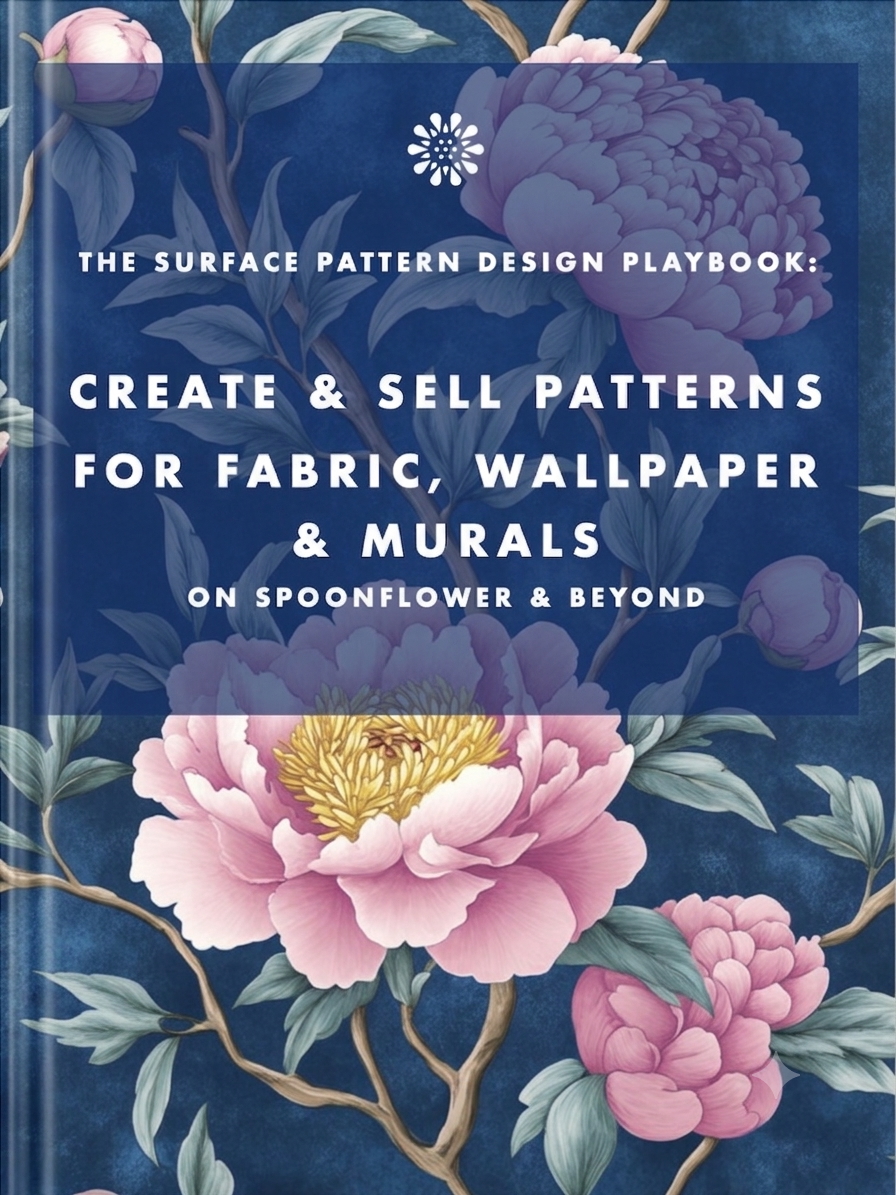
Earn from your design skills
Create & sell patterns for fabric, wallpaper & murals — on Spoonflower & beyond. Client-free, commute-free, creative work you can do from anywhere.
See the book →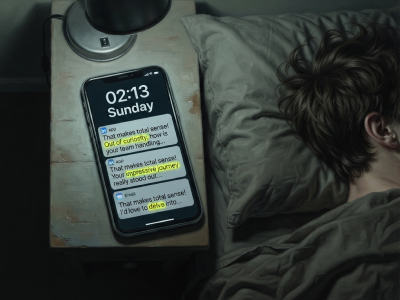
"That makes total sense! Out of curiosity…" are typical sentence snippets in your messages if you're talking to a bot.

A real look at how I use Claude Code, Claude Cowork, Figma and more to design, build and market TickLists, my websites and my Spoonflower patterns, solo.
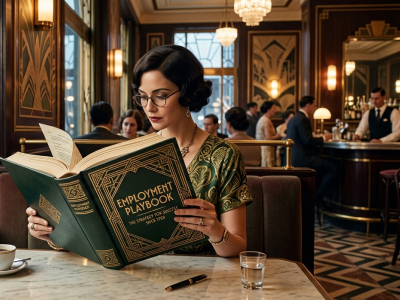
Job seekers who keep running the old employment playbook are playing a game whose rules have already changed. Here's what's happening in the design job market, and why leverage, not talent, is what separates who's finding traction.
Keep your design skills up to date with videos,
AI workflows, tutorials, ways to earn $$$ and free resources.
See past email newsletters.
Unsubscribe anytime.